IPTV Smarters is an incredible video streaming player which is developed especially for end-users that want to be provided with the facility to watch live TV, VOD, Series and TV Catchup on their Smart TV. This video player app is easy to use and yet highly efficient with a powerful player, attractive and very impressive layout and most importantly user-friendly.
Our plans have everything you need to take your TV experience to the next level without hidden fees.
Order NowFor Samsung Smart TV
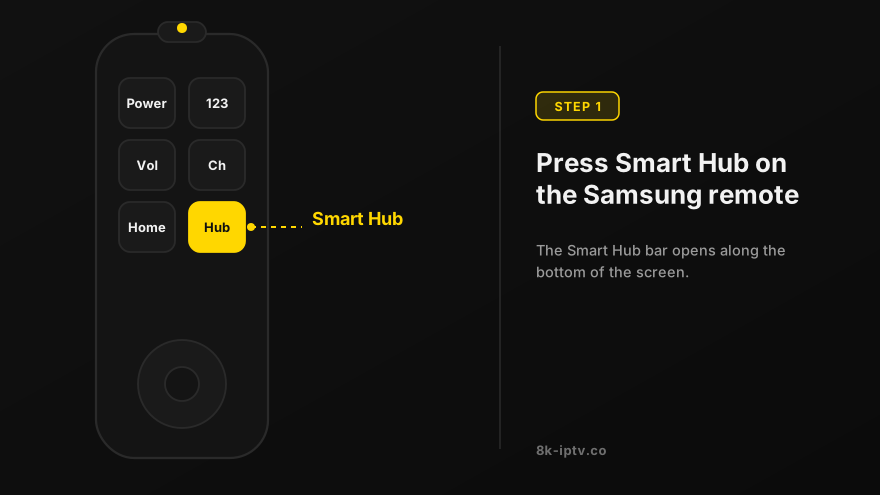
Open Smart Hub
Press the Smart Hub button from your remote.
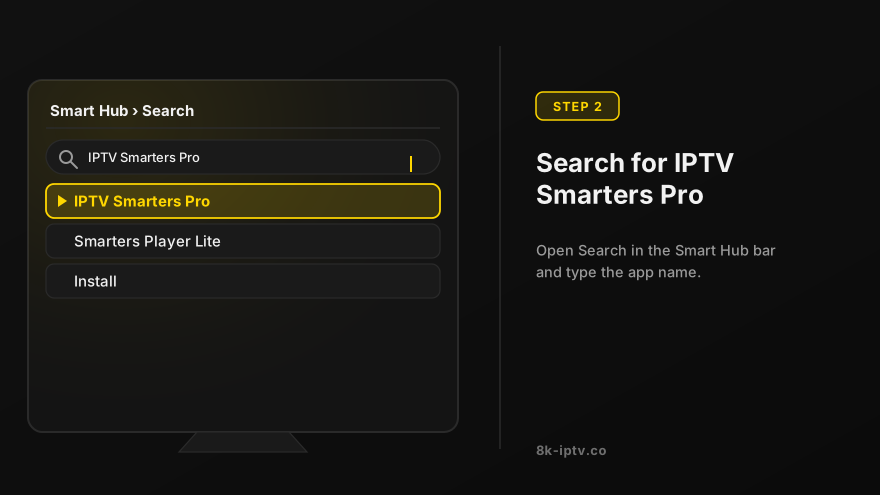
Search for IPTV Smarters Pro
Search for the IPTV Smarters Pro to install.
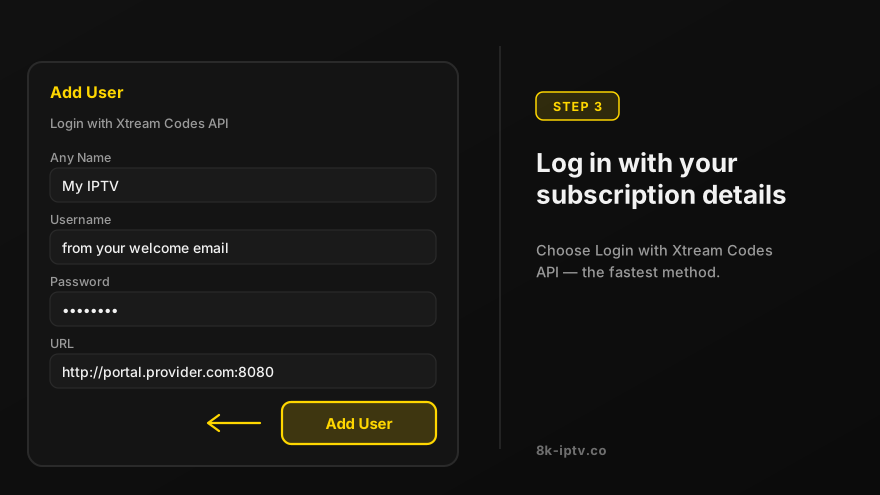
Log in the Application
Log in the Application with your subscription details i.e. Username, Password, Portal URL.
For LG Smart TV
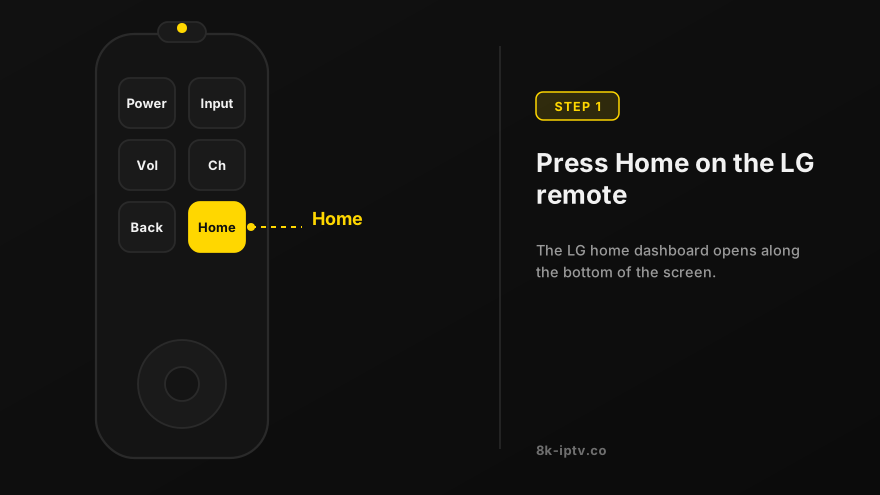
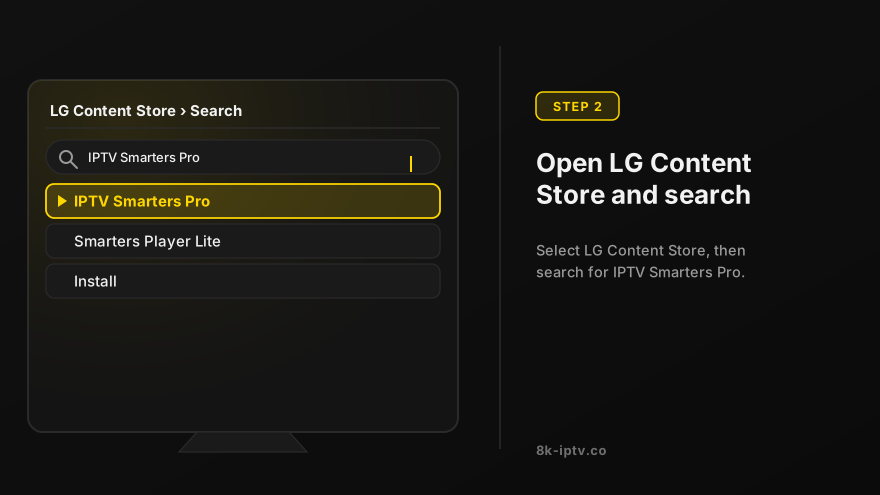
Open LG Content Store
Press the Home button on the remote & Go to LG Content Store.
Search for IPTV Smarters Pro
Search for the IPTV Smarters Pro to install.
Log in the Application
Log in the Application with your subscription details i.e. Username, Password, Portal URL.
Before You Install IPTV Smarters Pro
What You Need From Us
When your subscription is activated, our team sends either an M3U playlist URL or Xtream Codes credentials — a host URL, a username and a password. IPTV Smarters Pro accepts both, and you never need a VPN or extra hardware, because playback comes straight from our servers to the app on your Smart TV.
M3U Playlist or Xtream Codes: Which Should You Enter?
Choose Xtream Codes API if you were given a host, username and password. It is the quicker option because the three fields fill in separately, and the app refreshes the channel list and TV guide on its own. Choose M3U URL if your welcome message contains one long link — use Load Your Playlist or File URL instead of the Xtream login screen and paste the whole link without shortening it.
If one method returns an error, try the other. Both reach the same subscription, so nothing is lost by testing them, and it tells our support team immediately whether the problem is the login details or the app.
IPTV Smarters Pro Problems and Fixes
Login Failed or "Incorrect Username or Password"
Nine times out of ten this is a copy-paste problem: copying a username or password from WhatsApp or an email can drag along a trailing space or a line break that the app rejects. Retype the fields by hand once, and remember that usernames and passwords are case-sensitive. If the line was only just activated, give it a few minutes and try again before assuming anything is wrong.
The Playlist Loads but No Channels Appear
Open the Live TV tab rather than the home screen — Smarters loads categories in the background and an empty home page is normal for the first few seconds. If categories stay empty, your subscription may be paused or expired, so message our team on WhatsApp with your username and we will confirm the line status.
The TV Guide (EPG) Is Empty
EPG data is the first thing Smarters downloads and the slowest: on a new install it can take 10 to 15 minutes to fill in. Open Settings > EPG and refresh it, and check that your TV or box has the correct date and timezone, because a device set to the wrong region shows an empty guide even when the data has arrived.
Buffering, Freezing or Low Picture Quality
One stream needs roughly 10 Mbps for HD and 25 Mbps for 4K, so a Smart TV on Wi-Fi with other devices streaming in the house is the usual cause. If the picture stutters on the same channel repeatedly, open the player settings and change the stream format between TS and HLS — one of the two always performs better on a given TV — and switch to a lower-quality version of the same channel from the channel list.
The App Is Missing From the Samsung or LG Store
App availability in the Smart Hub and LG Content Store differs by country and changes without notice. If IPTV Smarters Pro is not listed where you are, you do not have to change anything about your subscription: use 8K Player VIP instead (included free with every plan) or follow the IBO Player setup guide. Both accept exactly the same credentials.
IPTV Smarters Pro or 8K Player VIP?
Which Player Gives You the Better Stream
IPTV Smarters Pro is the most widely installed IPTV player and the free version covers live TV, VOD and catchup. 8K Player VIP is the player we recommend and include free with every subscription: it handles 4K and 8K streams with less buffering on the same connection, keeps favourites and a proper EPG layout, and refreshes the channel list automatically. Both run from the same login details, so you can install them side by side and keep whichever looks better on your screen.
Frequently Asked Questions
Is IPTV Smarters Pro free? The core app is free. Some advanced features sit behind the paid version, which is why we also ship 8K Player VIP with your subscription at no extra cost.
Can I use my subscription on Smarters on two TVs at once? One device plan covers one stream at a time. If you want to watch on a second screen simultaneously, ask us about a multi-device plan — the price difference is smaller than buying a second subscription.
Does IPTV Smarters Pro work on a Firestick? Yes, and the installation is different from a Smart TV. Follow our Fire TV Stick setup guide for the Downloader steps.
Do I need a VPN? No. Your subscription works on your normal connection, and adding a VPN usually reduces stream quality rather than improving it.
Note: If you still have issues, please take a photo of your Mac address and device key with your phone and send it to our team via EMAIL: contact@8k-iptv.com or contact us via WhatsApp.
Related Setup Guides
Guides for the devices closest to this one: Smart TV setup for Samsung, LG and Android TV, Fire TV Stick setup, iPhone, iPad and Apple TV setup, Windows PC setup with Smarters or VLC. If your device is not listed, start with the full IPTV setup guide, which links to all of them.